
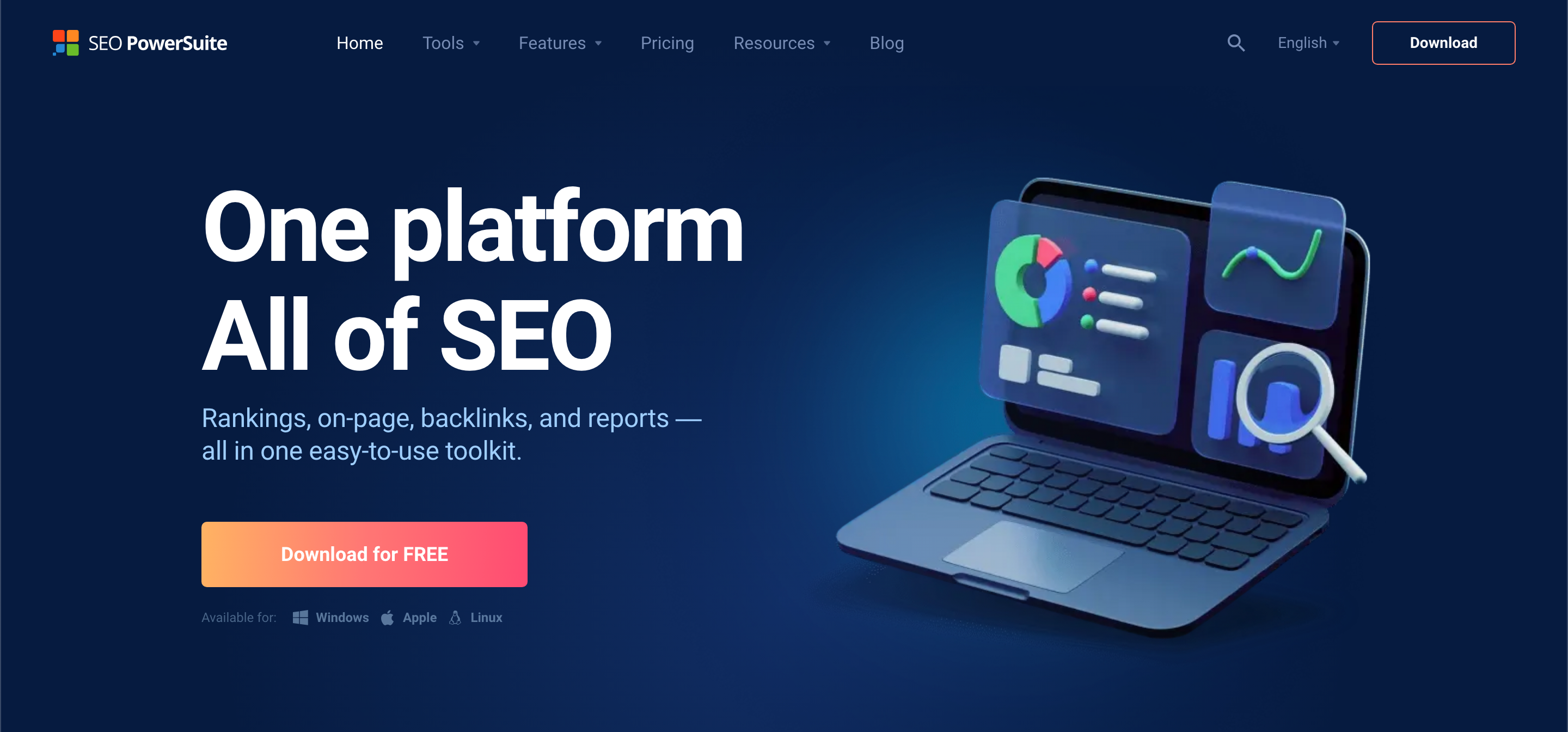
Do you want to improve your website’s SEO and get higher rankings? SEO PowerSuite is a set of 4 SEO tools. It covers all aspects of SEO, from keyword research to rank tracking, on-page optimization, backlink analysis and link building. This review will help you decide if SEO PowerSuite is the right SEO solution for you.
Download SEO PowerSuite for FREE!
About SEO PowerSuite:
SEO PowerSuite is a desktop SEO software package. It includes four tools: Rank Tracker, WebSite Auditor, SEO SpyGlass, and LinkAssistant. It’s used by over 2 million users worldwide. It’s been around for almost 20 years. It’s designed to help with all areas of SEO.
Table of Contents
Benefits of SEO PowerSuite:
- Comprehensive: Covers all major SEO tasks in one package.
- Unlimited Data: Get unlimited keywords, backlinks, and other SEO data.
- Cost-Effective: Desktop software, so you avoid high recurring costs of cloud-based tools, just pay for data.
- Customizable: Highly customizable to fit your specific needs.
- Detailed Reports: Generate custom SEO reports.
SEO PowerSuite Features:
- Rank Tracker:
- Keyword research.
- Rank tracking in 550+ search engines.
- Unlimited keywords and locations.
- WebSite Auditor:
- Technical SEO audits.
- On-page optimization.
- Content analysis.
- Core Web Vitals checks.
- Site structure visualizations.
- SEO SpyGlass:
- Backlink analysis.
- Competitor backlink research.
- Largest backlink index (6.5 trillion backlinks).
- LinkAssistant:
- Link building management.
- Outreach automation.
- Other Features:
- Integration with Google tools (Search Console, Analytics, Keyword Planner).
- Local SEO optimization.
- Automated task scheduling.
- Customizable reports.
SEO PowerSuite Pros and Cons:
Pros
Cons
How SEO PowerSuite Works:
- Download and Install: Download and install the SEO PowerSuite software on your computer (Windows, Mac, or Linux).
- Choose a Tool: Select the tool you need (Rank Tracker, WebSite Auditor, SEO SpyGlass, or LinkAssistant).
- Enter Your Website/Keywords: Enter your website URL and target keywords.
- Analyze and Optimize: Use the tools to analyze your website, research keywords, track rankings, build links, and optimize your content.
Get SEO PowerSuite and Improve Your Rankings!
Alternatives to SEO PowerSuite:
Here are some other popular SEO software options:
Semrush:
A comprehensive, all-in-one SEO platform. Offers keyword research, site audit, backlink analysis, rank tracking, and content marketing tools. It is cloud-based. Good for agencies and in-house SEOs.
Ahrefs:
Another all-in-one SEO platform. Known for its powerful backlink analysis features. Offers keyword research, site audit, rank tracking, and content explorer. It is cloud-based. Good for experienced SEOs.
Moz Pro:
An SEO software suite with tools for keyword research, rank tracking, site audit, and link analysis. Offers a user-friendly interface and helpful learning resources. It is cloud-based. Good for beginners and experienced SEOs.
Serpstat:
An all-in-one SEO and PPC platform. Offers keyword research, competitor analysis, rank tracking, site audit, and backlink analysis. It is cloud-based. Good for agencies and in-house SEOs.
Surfer SEO:
Primarily a content optimization tool. It helps you create and optimize content that ranks well in search engines. Offers real-time feedback and suggestions. It is cloud-based. Good for content marketers.

