
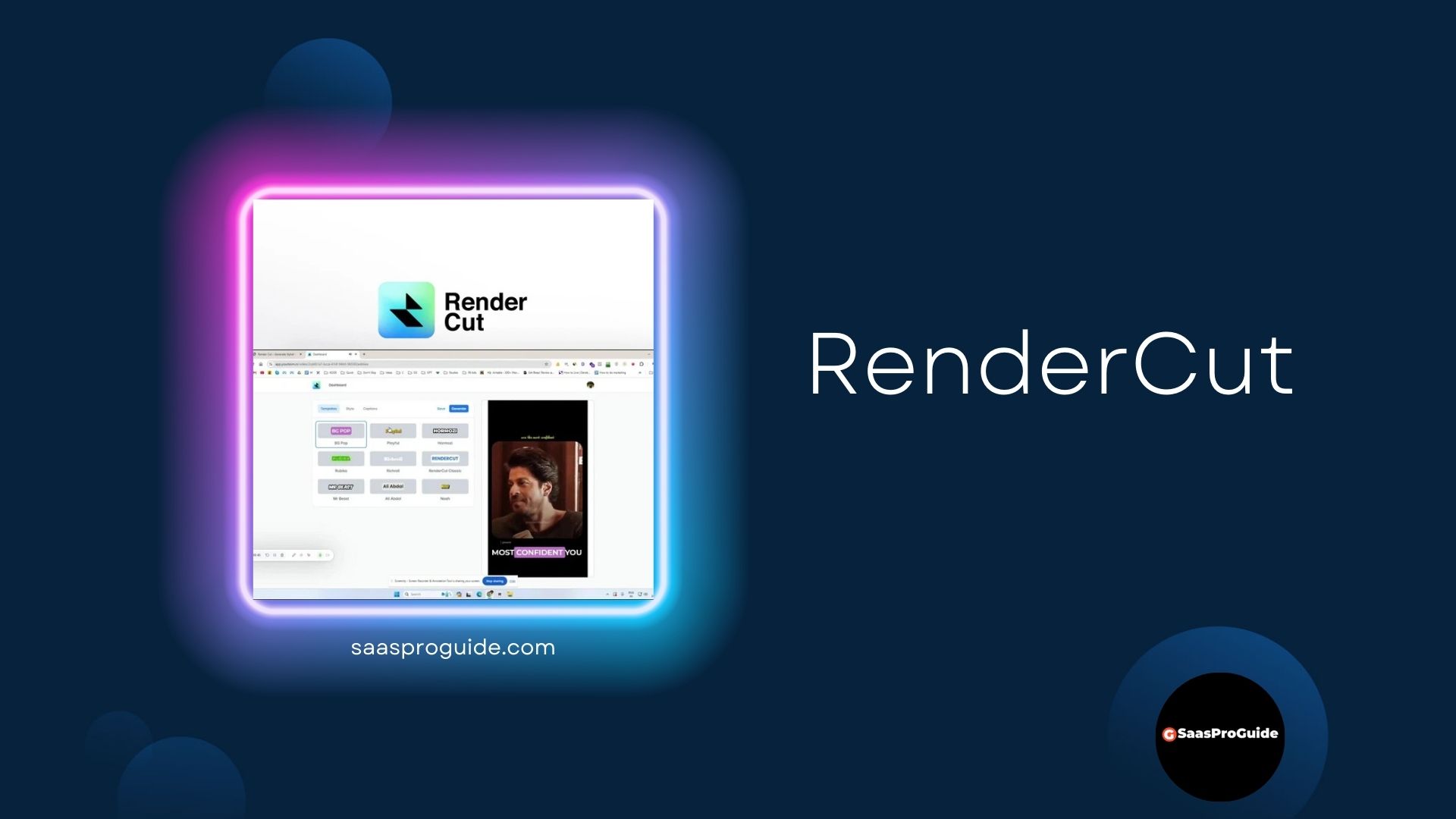
Making videos? Adding subtitles (text on the screen) takes forever! It’s boring and hard to get it right. RenderCut uses AI to add subtitles to your videos automatically. It’s fast, easy, and makes your videos look professional. You can even change the colors and style of the subtitles!
Get Lifetime Access to RenderCut Now!
Table of Contents
About RenderCut
RenderCut is a tool that automatically adds subtitles to your videos. You don’t have to type everything out! It uses AI to listen to the video and create the text. You can:
- Add subtitles in seconds.
- Change the look of the subtitles (colors, fonts, etc.).
- Make your videos easier to understand (and reach more people!).
It’s perfect for YouTubers, content creators, and anyone who makes videos.
RenderCut Benefits
| Benefit | What it Means for You |
|---|---|
| Save Time | Add subtitles much faster than doing it by hand. |
| Easy to Use | No need to be a video editing expert. |
| Automatic Subtitles | The AI does the work for you! |
| Stylish Subtitles | Make your subtitles look great with different colors, fonts, and animations. |
| More Viewers | Subtitles help more people understand your videos. |
| Works with Short Videos | Perfect for social media videos. |
| Professional Look | Make your videos look polished and engaging. |
Researched Fact: Videos with subtitles get more views and engagement on social media. People often watch videos without sound, so subtitles are essential.
RenderCut Features
- Automatic Subtitle Generation: The AI creates subtitles from your video’s audio.
- Subtitle Customization: Change the colors, fonts, styles, and animation of your subtitles.
- Fast Processing: Get your subtitles in seconds.
- Easy Editing: Make changes to the subtitles if needed.
- High-Quality Export: Get your video with subtitles, ready to share.
- Multiple Languages: Create subtitles in over 40 languages.
- Add Emojis: Add still and animated emojis.
- No Watermark: Your videos won’t have a RenderCut logo.
- Unlimited Proyects: Create as many proyects as you need.
- GDPR Compliant: Follows important privacy rules.
- AI Powered: Use the AI power for automatic subtitles.
Pros and Cons
Pros
Cons
How It Works
- Sign Up: Create a RenderCut account (get the lifetime deal!).
- Upload Your Video: Choose the video you want to add subtitles to.
- The AI Works: RenderCut automatically creates the subtitles.
- Customize (Optional): Change the colors, fonts, and style of the subtitles.
- Edit (Optional): Make any corrections to the text.
- Download: Get your video with the subtitles added!
RenderCut Lifetime Deal Pricing
Single
One-time purchase of
$49
All features above included
25 video uploads per month
3 minutes of video processing per month
Unlimited projects
Double
One-time purchase of
$98
All features above included
50 video uploads per month
5 minutes of video processing per month
Unlimited projects
Multiple
One-time purchase of
$147
All features above included
75 video uploads per month
7 minutes of video processing per month
Unlimited projects
RenderCut Regular Pricing

RenderCut Alternatives
Manual Subtitling (in Video Editing Software):
You can add subtitles by hand in programs like Adobe Premiere Pro or Final Cut Pro. This gives you complete control, but it’s extremely time-consuming. It’s only practical for very short videos or if you have a lot of time. RenderCut is much faster.
Descript:
It is a very popular, all in one audio and video editor. Descript, transcribe your videos and audio in a very easy way. Also, Descript uses AI technology to provide a variety of very useful tools. It is design for podcaster, youtubers, and video editors, but it is more expensive than RenderCut.
VEED.IO:
This is an online video editing platform. It also features an automatic subtitle generator. However, VEED.IO offers a broader range of video editing tools beyond subtitles, making it potentially more complex for users who solely need captioning. While it offers a free plan, it’s limited, and the lifetime deal on RenderCut provides better long-term value for dedicated subtitle generation.

