
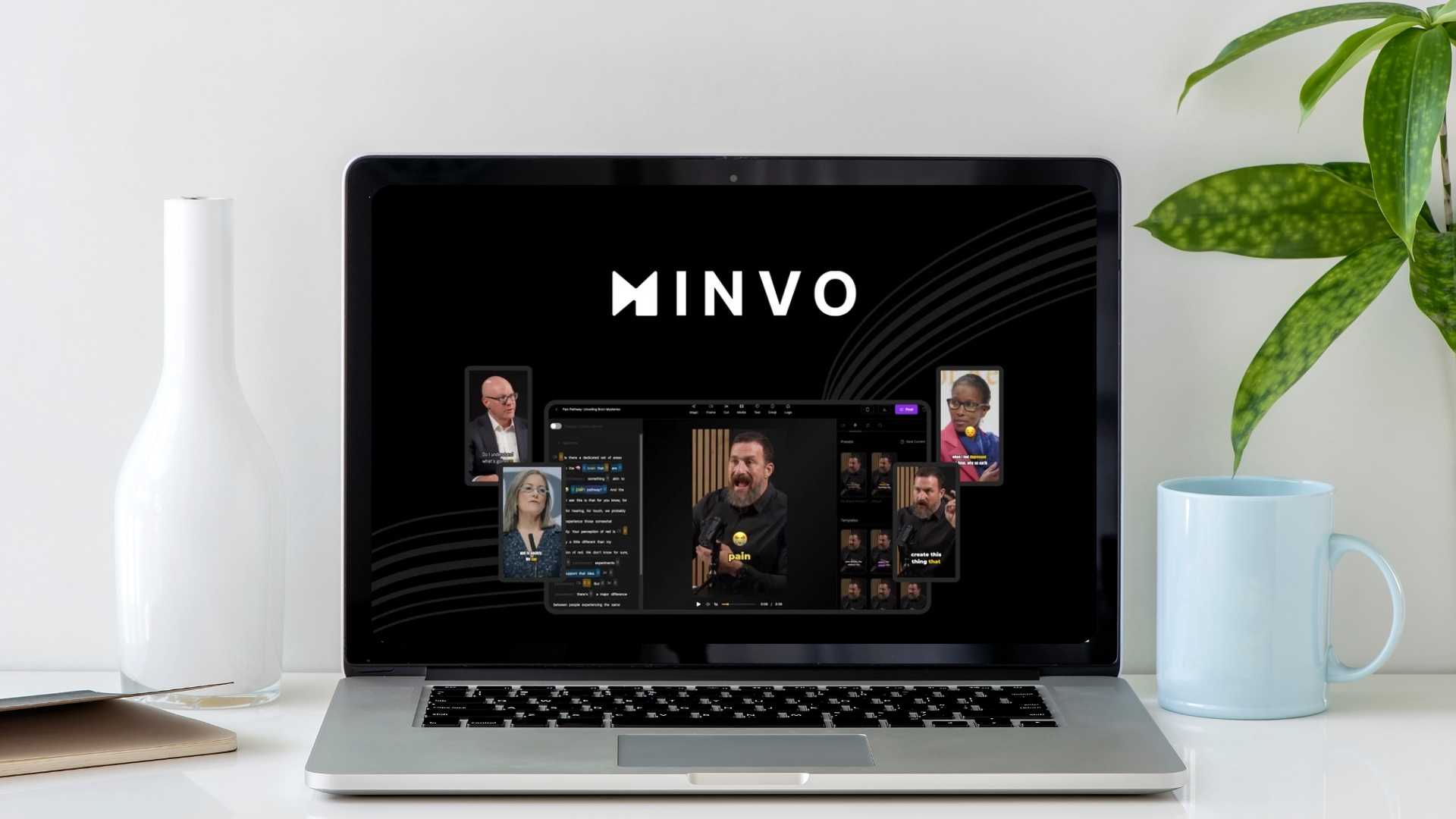
Do you make long videos but want more people to watch them? Minvo uses AI to automatically turn your long videos into short clips, social media posts, and even articles. It’s like having a video editing and content creation expert on your team, saving you tons of time and effort!
Get lifetime access to Minvo today!
About Minvo:
Minvo is an AI-powered tool that helps you repurpose your long videos. It automatically creates short clips with subtitles, b-roll, emojis, and more. You can also use it to turn your videos into written content like articles and social media posts. It supports uploading your videos and creating content like articles, LinkedIn posts, and SEO-friendly blogs. It helps you post and schedule your posts on social media.
Table of Contents
Benefits of Minvo:
- Save Time: Create many short clips from one long video in minutes.
- Easy to Use: No video editing skills needed.
- More Engagement: Short clips are more likely to be watched on social media.
- Reach More People: Share your content on different platforms easily.
- Create Written Content: Turn your videos into articles, blog posts, and more.
- Designed for Agencies: You can create unique brand profiles.
- Translate Video Subtitles: You can translate your video subtitles.
Features of Minvo:
- Automatic Clip Creation: AI identifies key moments and creates short clips.
- Subtitles, Emojis, and More: Clips are automatically created with engaging elements.
- Direct Social Media Posting: Post clips to TikTok, YouTube, Instagram, and LinkedIn with one click.
- Content Scheduling: Plan your social media posts in advance.
- Video-to-Text AI: Turn your videos into written content like articles and blog posts.
- Brand Customization: Create custom templates with your brand’s style.
- Fast-Priority AI Processing.
- Supports Different Aspect Ratios: You can export videos in portrait, landscape, and square formats.
- No Watermark on Exports.
Pros and Cons of Minvo:
Pros
Cons
How Minvo Works:
- Upload Your Video: Add your long-form video to Minvo.
- AI Creates Clips: Minvo automatically identifies key moments and creates short clips.
- Customize (Optional): Edit the clips, add your own branding, and make any changes.
- Generate Written Content (Optional): Use AI to turn your video into articles, posts, and more.
- Post and Schedule: Share your clips and written content directly to social media or schedule them for later.
Get lifetime access to Minvo today!
Minvo Regular Pricing:

Minvo Alternatives:
Here are some other video editing and content creation tools:
1. Adobe Premiere
Adobe Premiere Pro is a professional video editing software. It has many advanced features for editing, color correction, and audio mixing. It’s powerful but has a steep learning curve and is expensive. You need to pay every month.
2. Descript
Descript is a video and audio editing tool that lets you edit like a doc. You can edit by making changes to the transcript. It also offers features like screen recording and automatic filler word removal. It’s good for podcasters and video creators. But, it can be expensive.
Official Website: Descript.com
3. Hootsuite
Hootsuite is a social media management platform. It helps you schedule posts, track your performance, and manage your social media presence. You can connect multiple social media accounts. It’s good for managing social media but doesn’t create video clips like Minvo. You need to pay every month.
Official Website: Hootsuite.com
Important Notes:
- Lifetime Deal Sold Out: The one-time payment deal is gone.
- Different Plans: There are different plans with varying features and limits.

